Venom Hub
An all-in-one Windows app I built for myself. One window holds my video player, anime and TV watchlists, Roblox games, a PDF editor, a YouTube and TikTok downloader, reminders with an AI assistant, and a maker for Roblox icons and thumbnails, all in one look I can re-theme from Settings.
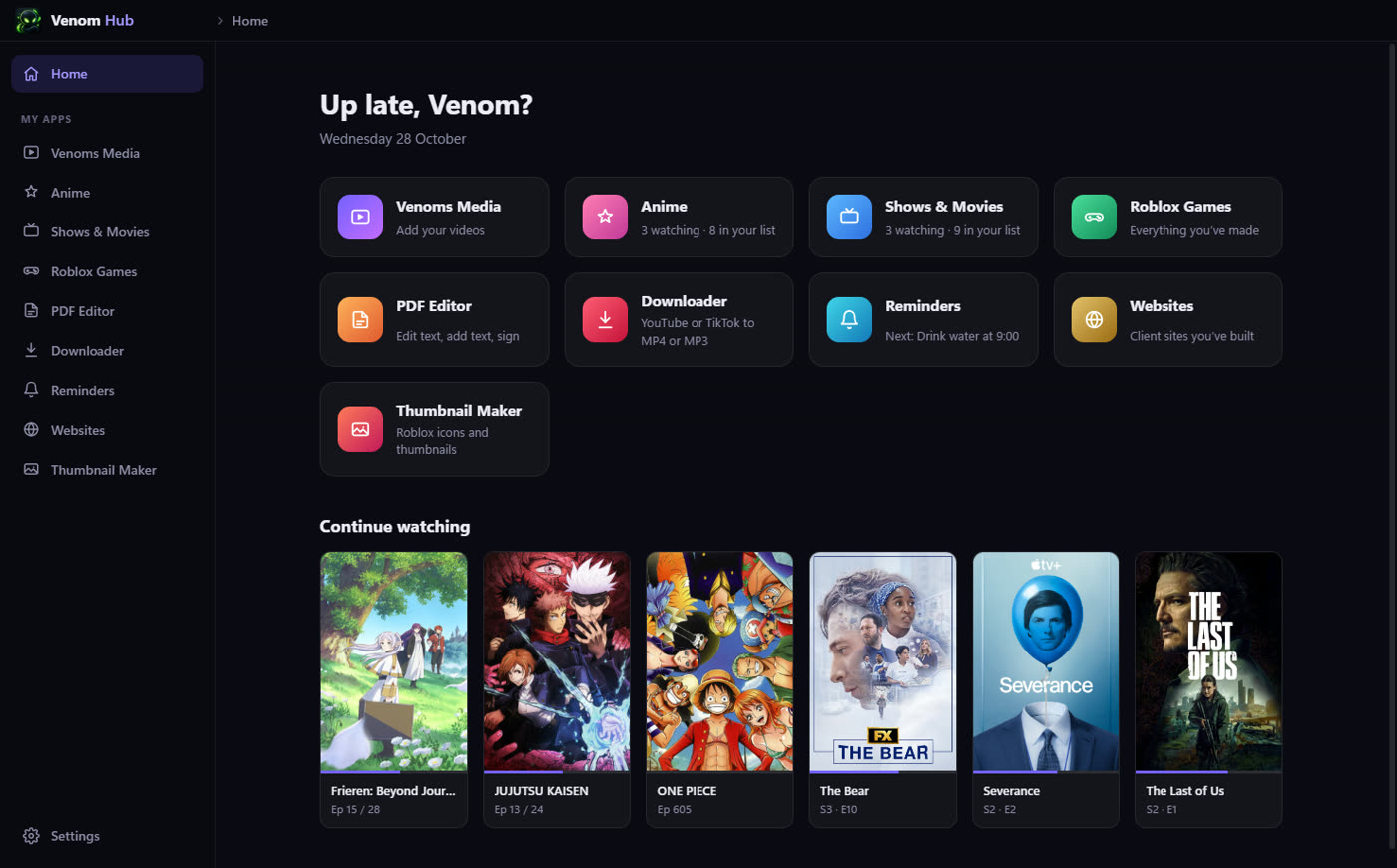
Ten apps, one window.
Every section sits in the same sidebar, opens with a keyboard shortcut (Ctrl+1 to Ctrl+0), and follows the same theme.
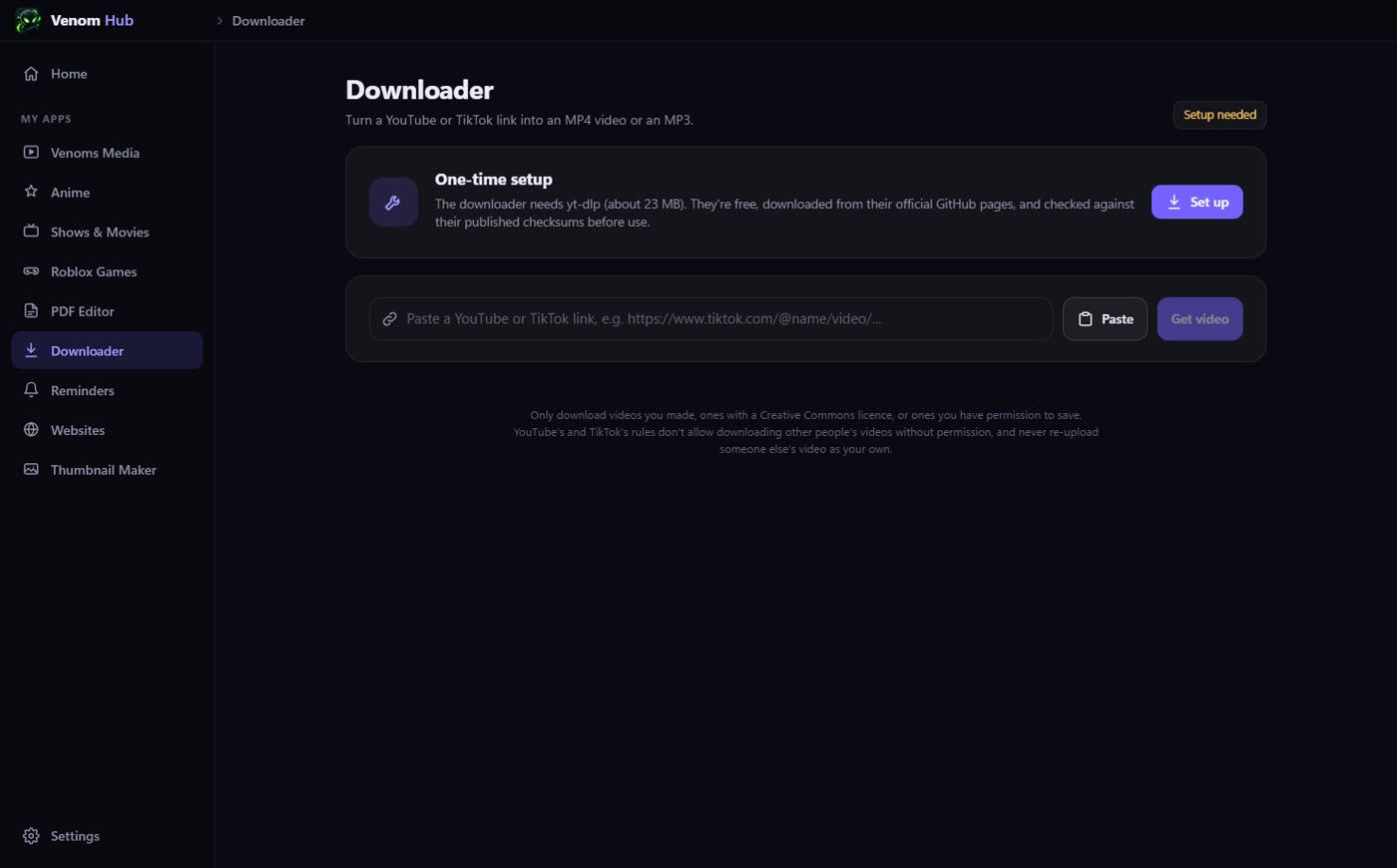
Downloader
Paste a YouTube or TikTok link and save it as an MP4 (pick the quality, with size estimates) or an MP3 (pick the bitrate), with progress and cancel.
Thumbnail Maker
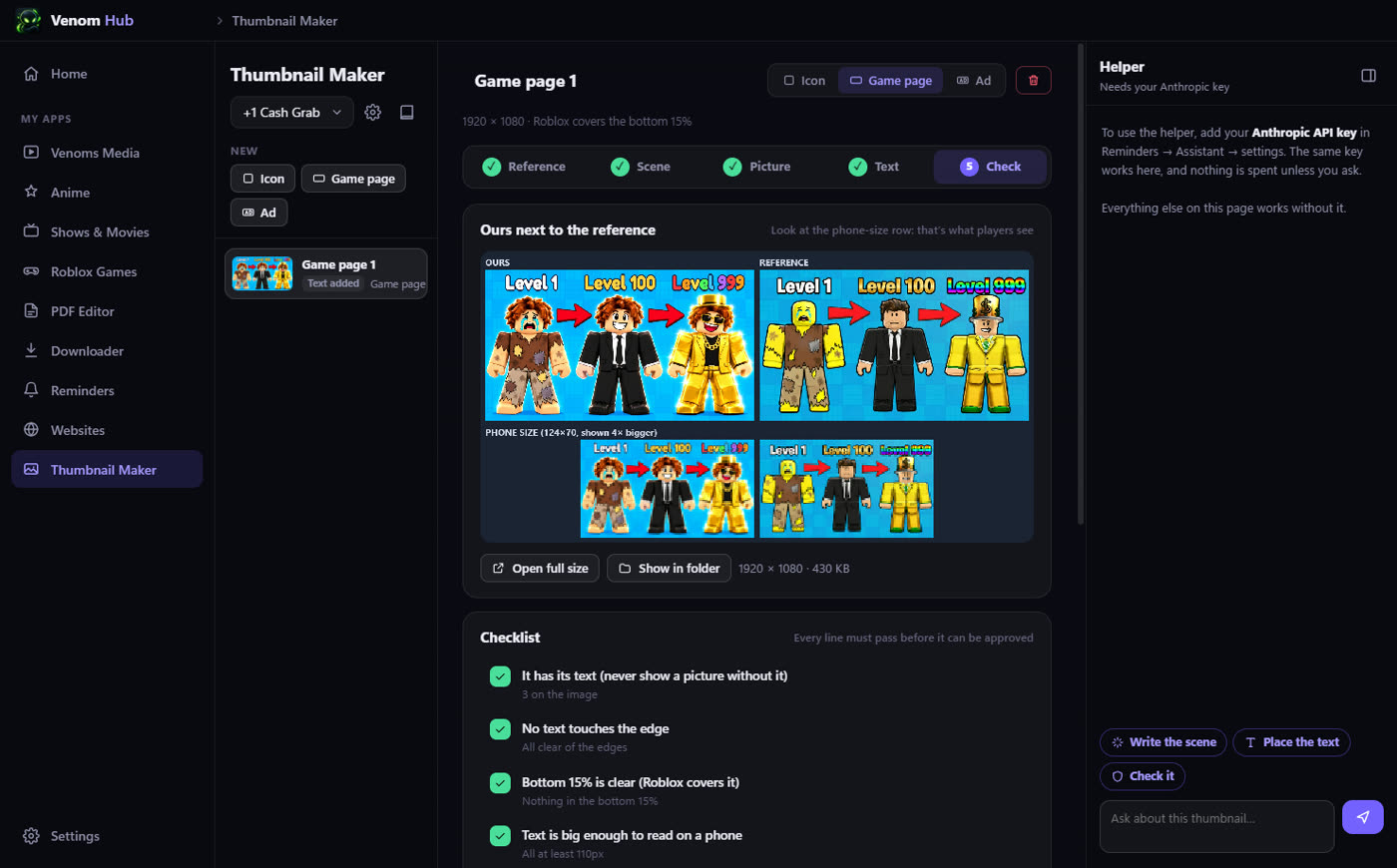
Roblox game icons and thumbnails, step by step: copy a proven layout, add the text on a live preview, then check it next to the reference at phone size.
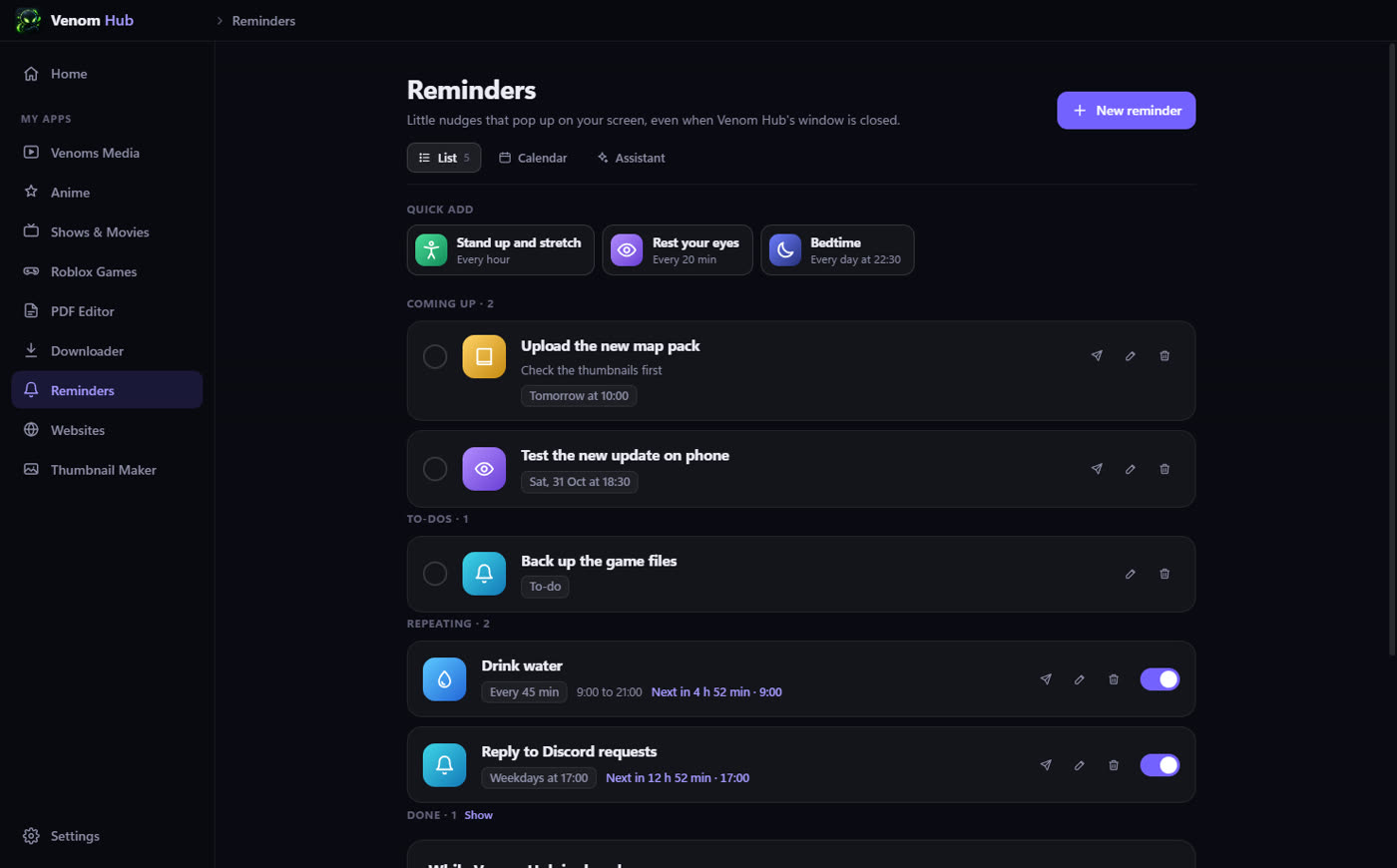
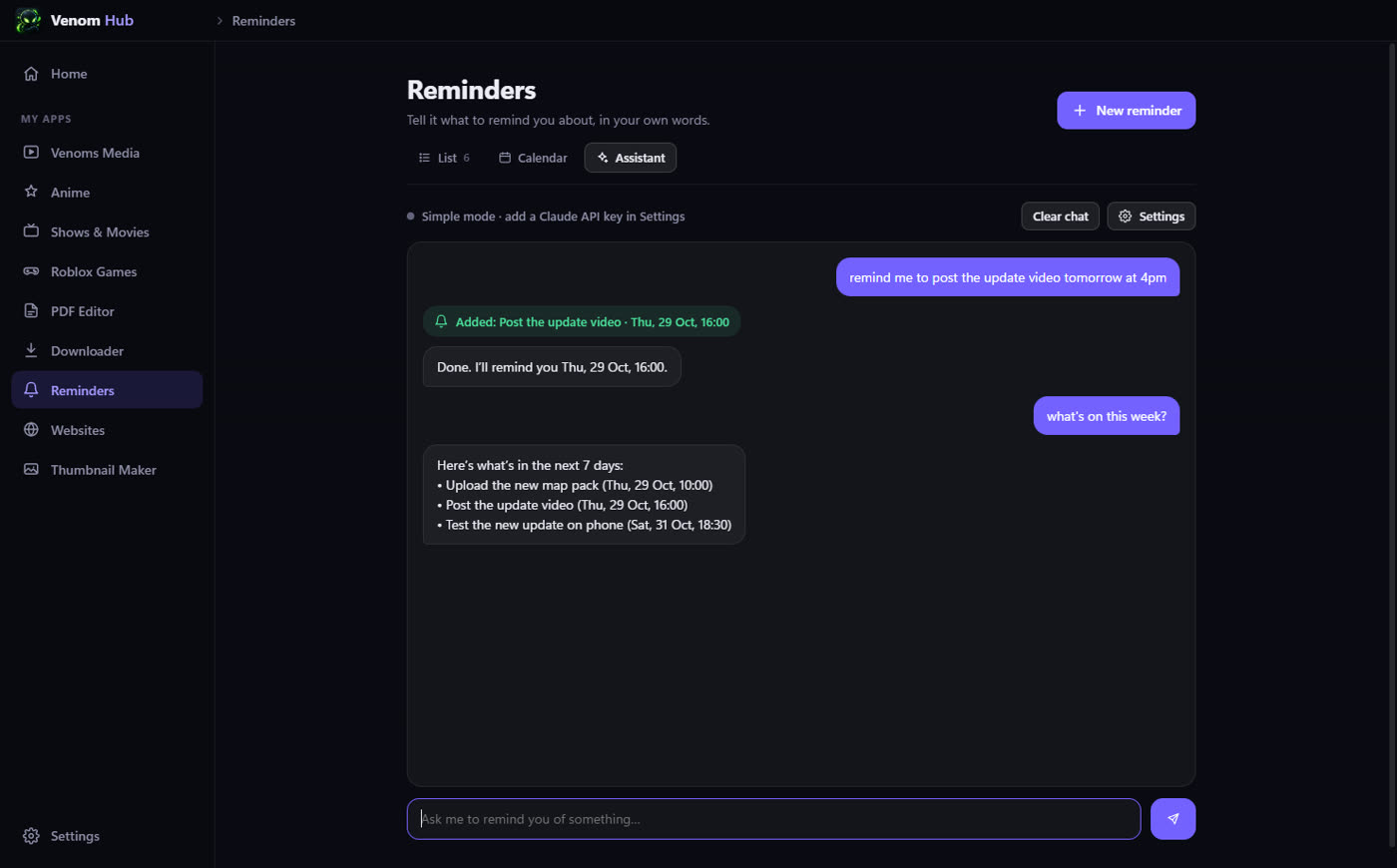
Reminders + AI assistant
Repeating, daily and one-off reminders that pop up as Windows notifications, plus to-dos and a calendar. Just tell the assistant what to remember; with an API key it is Claude.
Venoms Media
My own video player and library, with folders, shuffle and drag-and-drop, built in so downloads can go straight into it.
Anime, shows & movies
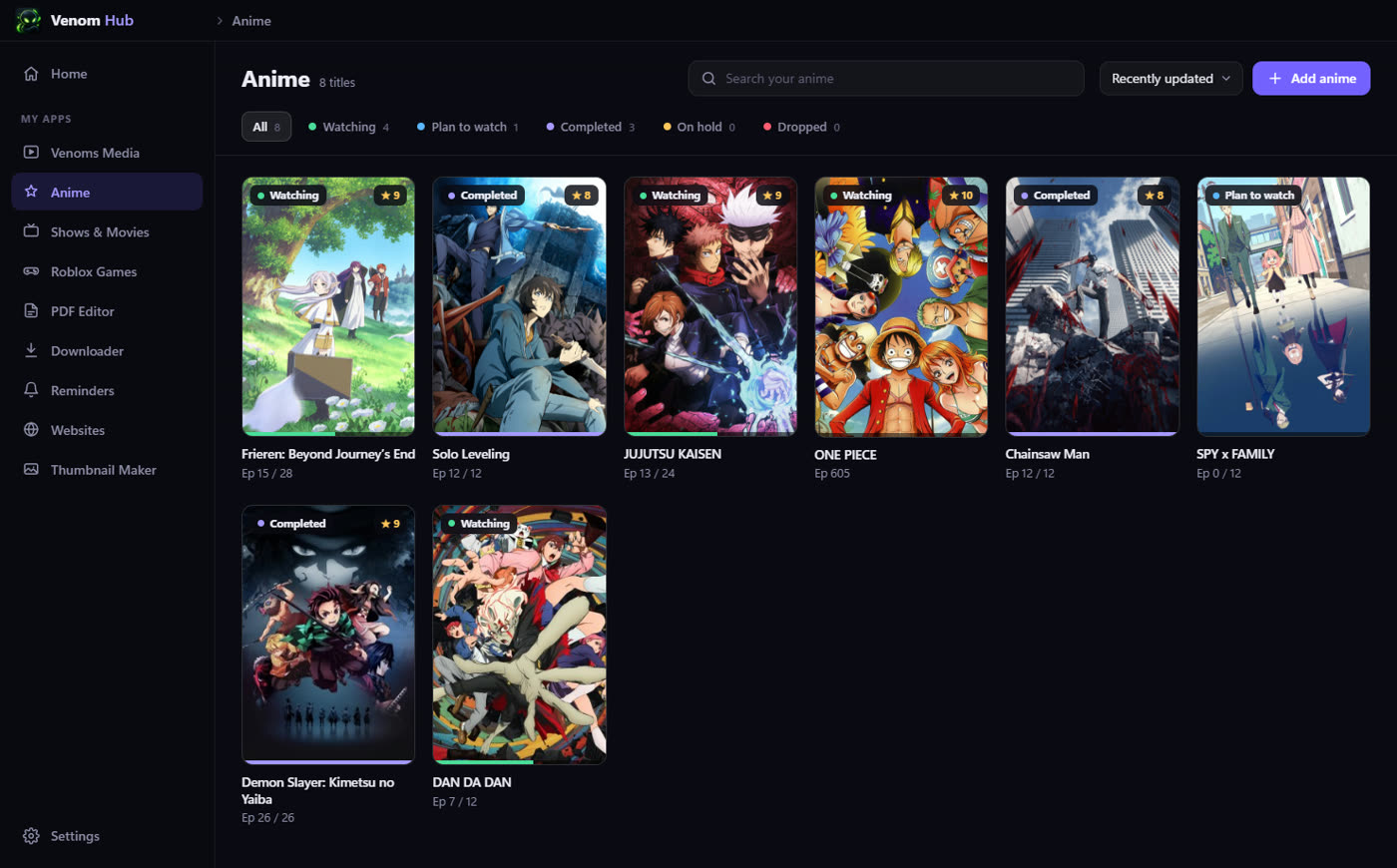
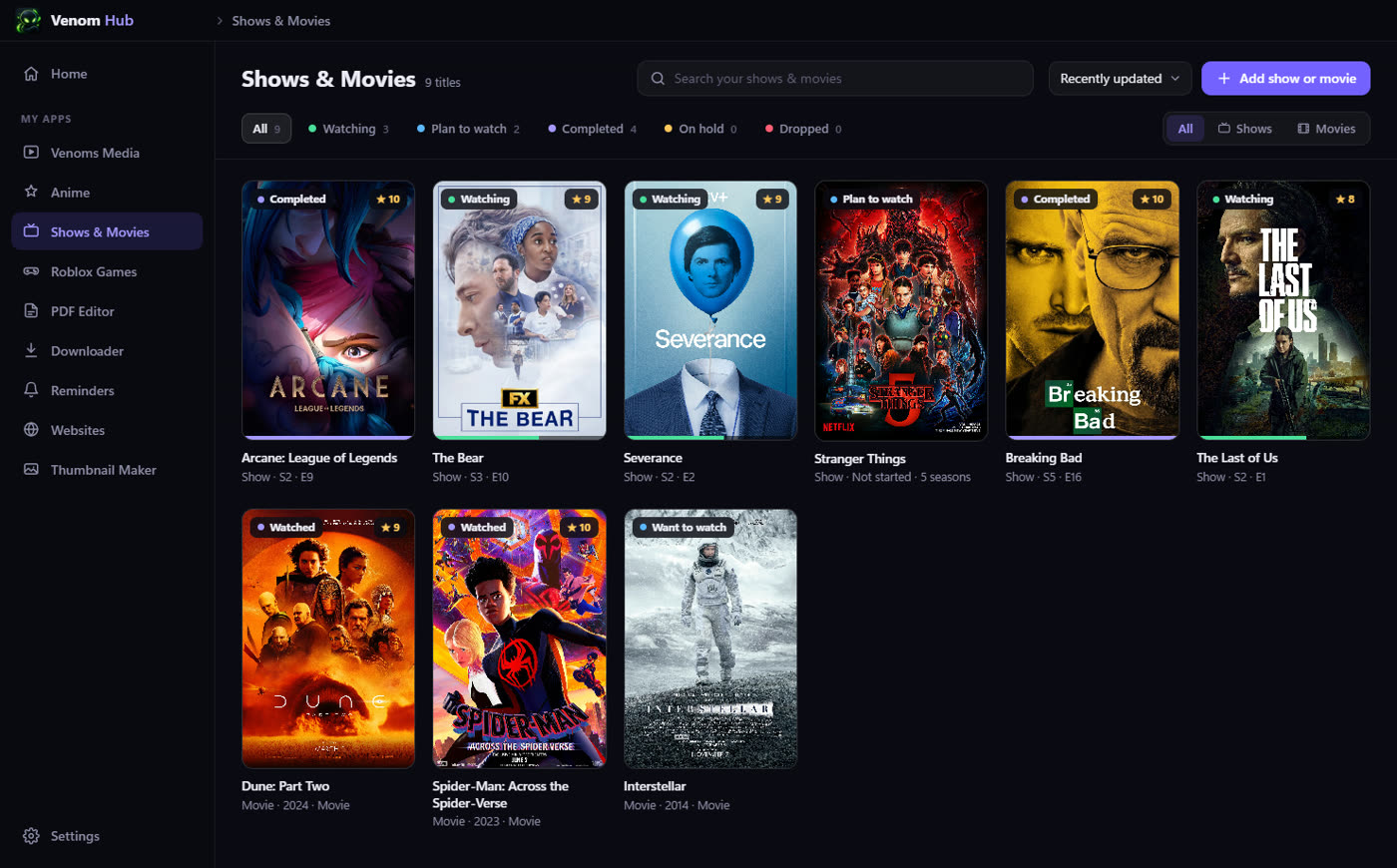
Watchlists with posters, status, ratings and episode progress. Search uses AniList, TVmaze and IMDb, and Home shows a Continue watching row.
Roblox games
A gallery of every game he has made, with live visits, players, favourites and likes from Roblox's public APIs, and Play and Studio buttons.
PDF editor
Edit existing text, add text, sign, white out, undo, zoom and save. Files never leave the computer.
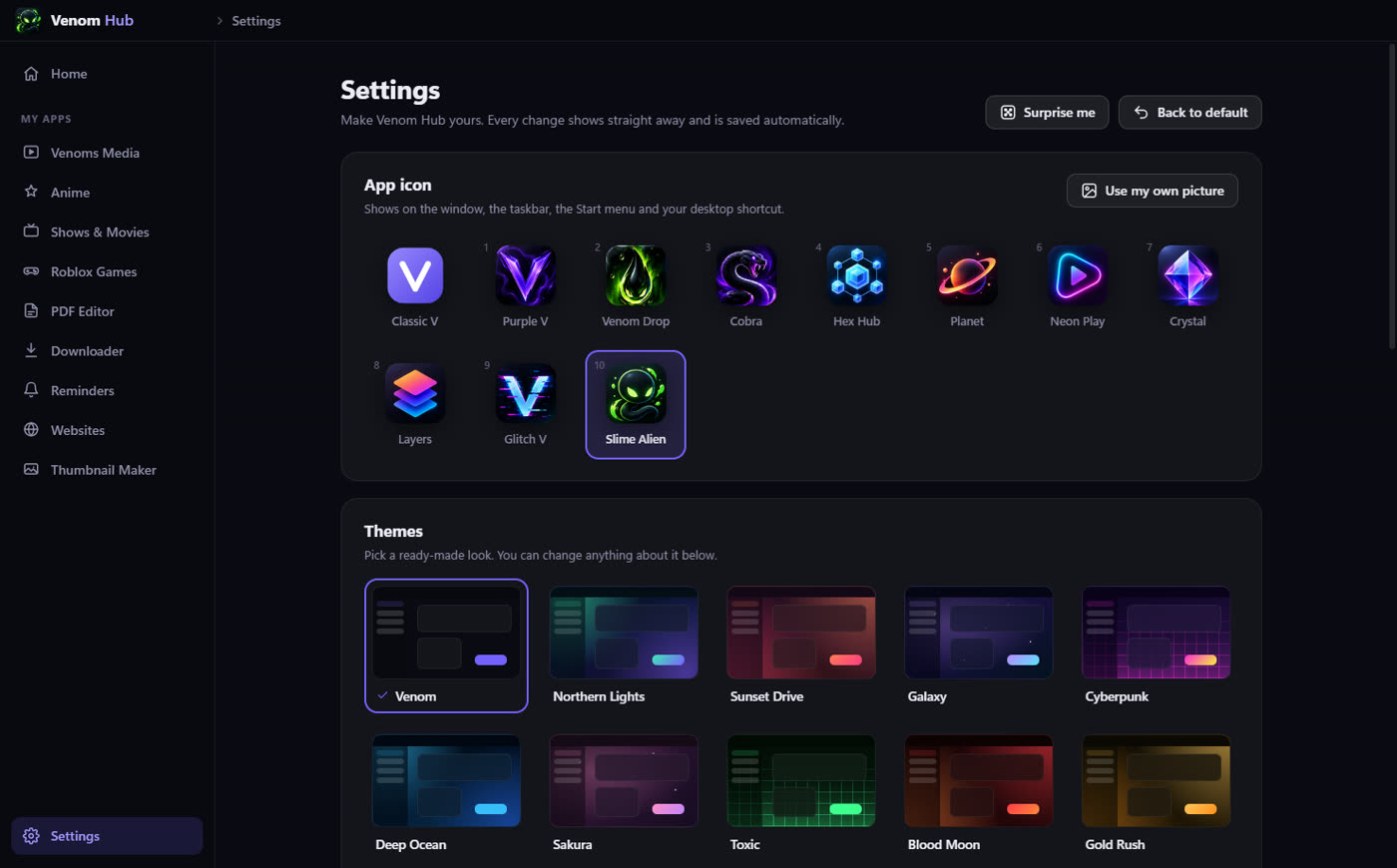
Themes & app icon
13 preset themes or your own: accent colours, gradient buttons, moving background effects, glass panels, font and size. Ten app icons to pick from, or your own picture.
Built for speed
Keyboard shortcuts everywhere, it can start with Windows, and it waits in the tray so reminders keep coming when the window is closed.
Inside the app.
Screenshots from a test copy with demo data. Click any picture to see it big.
Safe by design.
A personal tool still gets the careful build: locked-down pages, encrypted secrets, checked downloads and daily backups.
Sandboxed pages
Every section runs sandboxed with no Node access. They talk to the app through one small, safe bridge, and stray navigation and pop-ups are blocked.
Encrypted API key
The Claude key is stored encrypted with Windows' own protection. The assistant gets four tools (list, add, change and tick off reminders) and nothing else.
Checked downloads
The downloader fetches yt-dlp from its official GitHub release and checks it against the published SHA-256 list before it is ever used.
Nothing gets lost
Reminders run in the main process so they fire with the window closed, every list is backed up each day for 14 days, and a failed save is reported, not hidden.